Give every finger a superpower.
The standalone USB fingerprint key for Mac. Unlock your screen, type passwords, run shortcuts, approve sudo — all with a single touch. No $199 keyboard required.
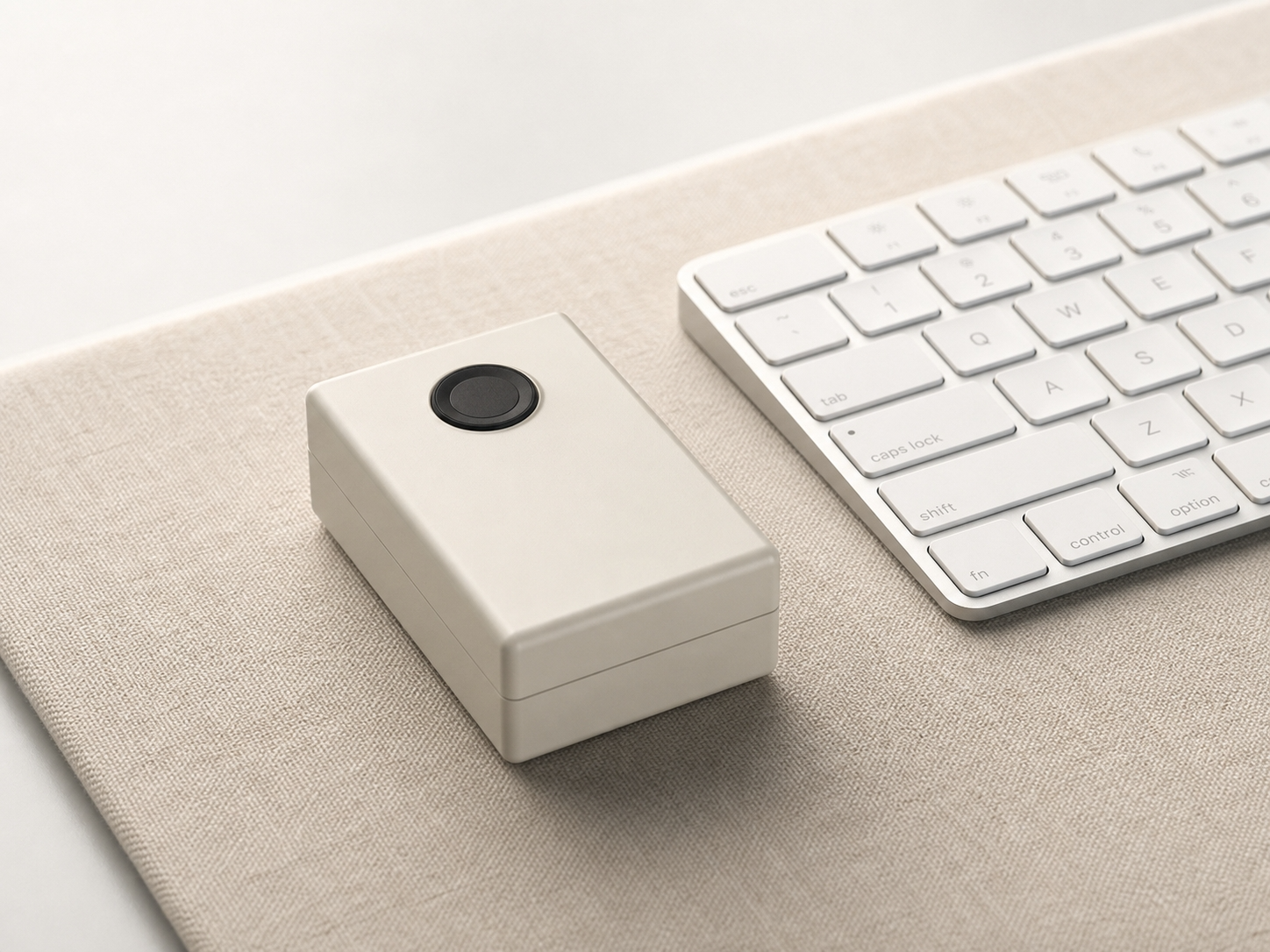
The Problem
Typing passwords is broken.
Every Mac mini, Mac Studio, and iMac user knows this pain. Apple has no standalone Touch ID. You're stuck typing passwords — dozens of times a day.
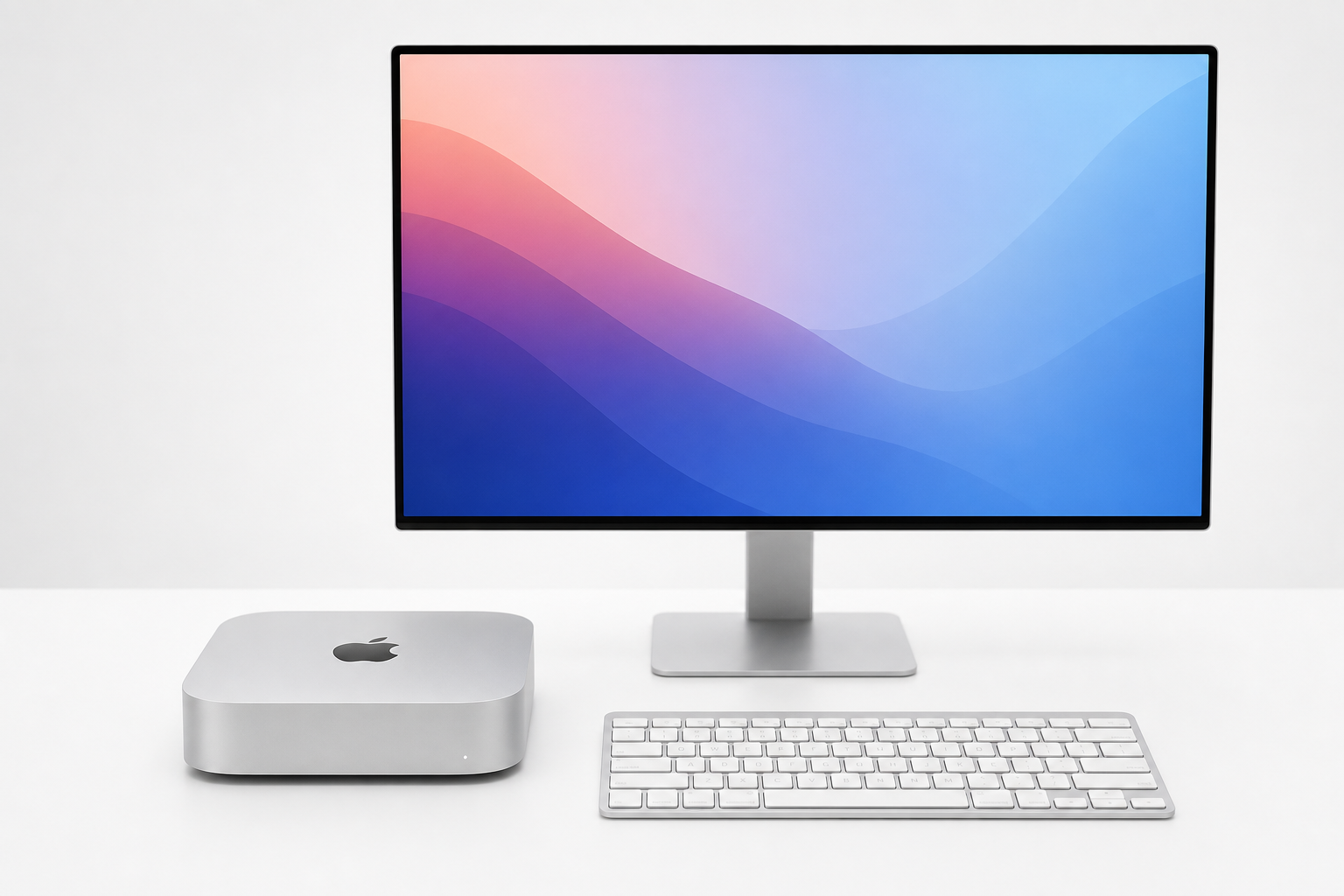
No Touch ID on your Mac
Mac mini. Mac Studio. iMac. Clamshell MacBook. Apple sells no standalone Touch ID sensor. Your only option is a $199 keyboard.
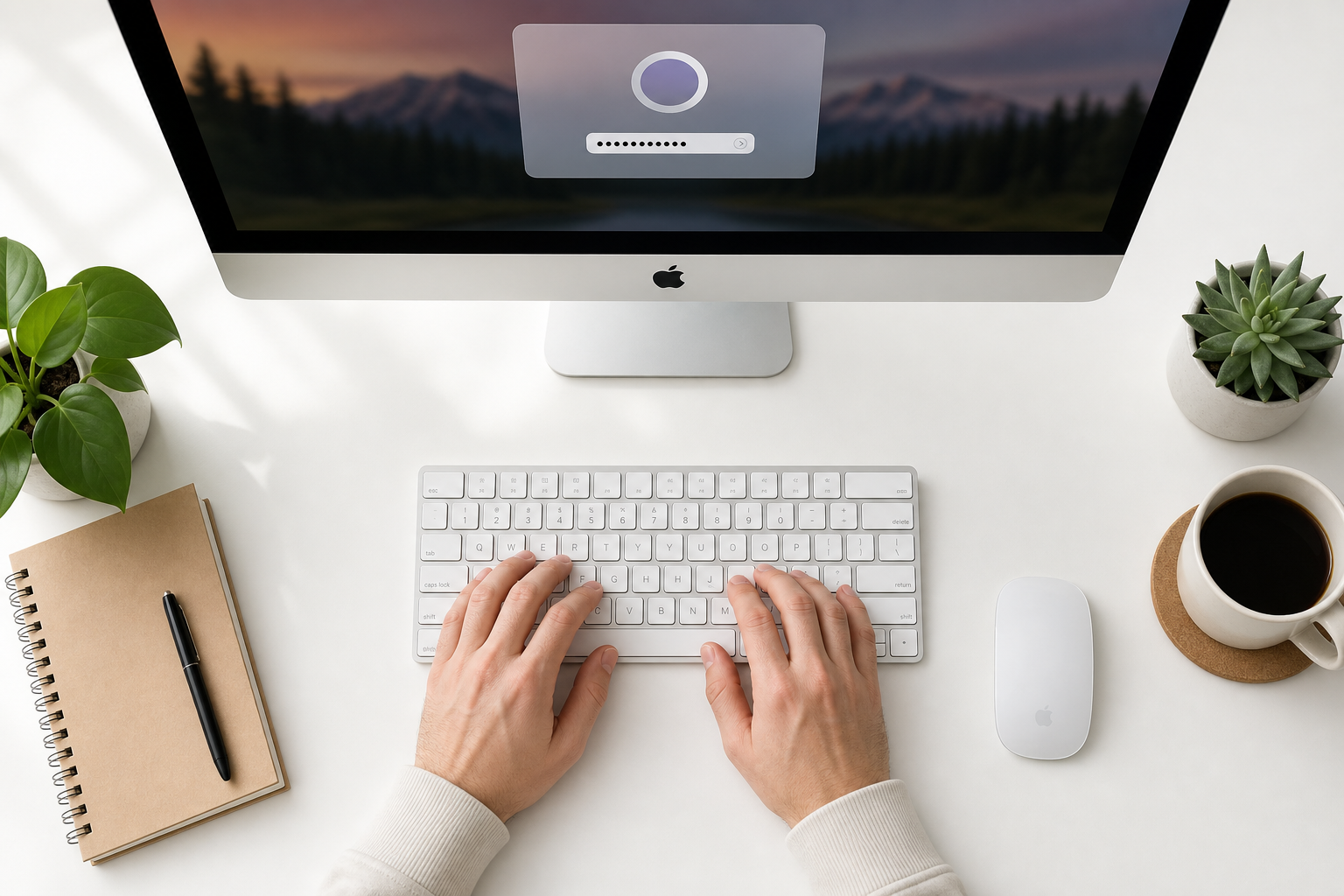
50+ passwords a day
Unlock screen. sudo. 1Password. SSH passphrase. App Store. Admin prompt. The same passwords, over and over — wasting 15+ minutes every single day.
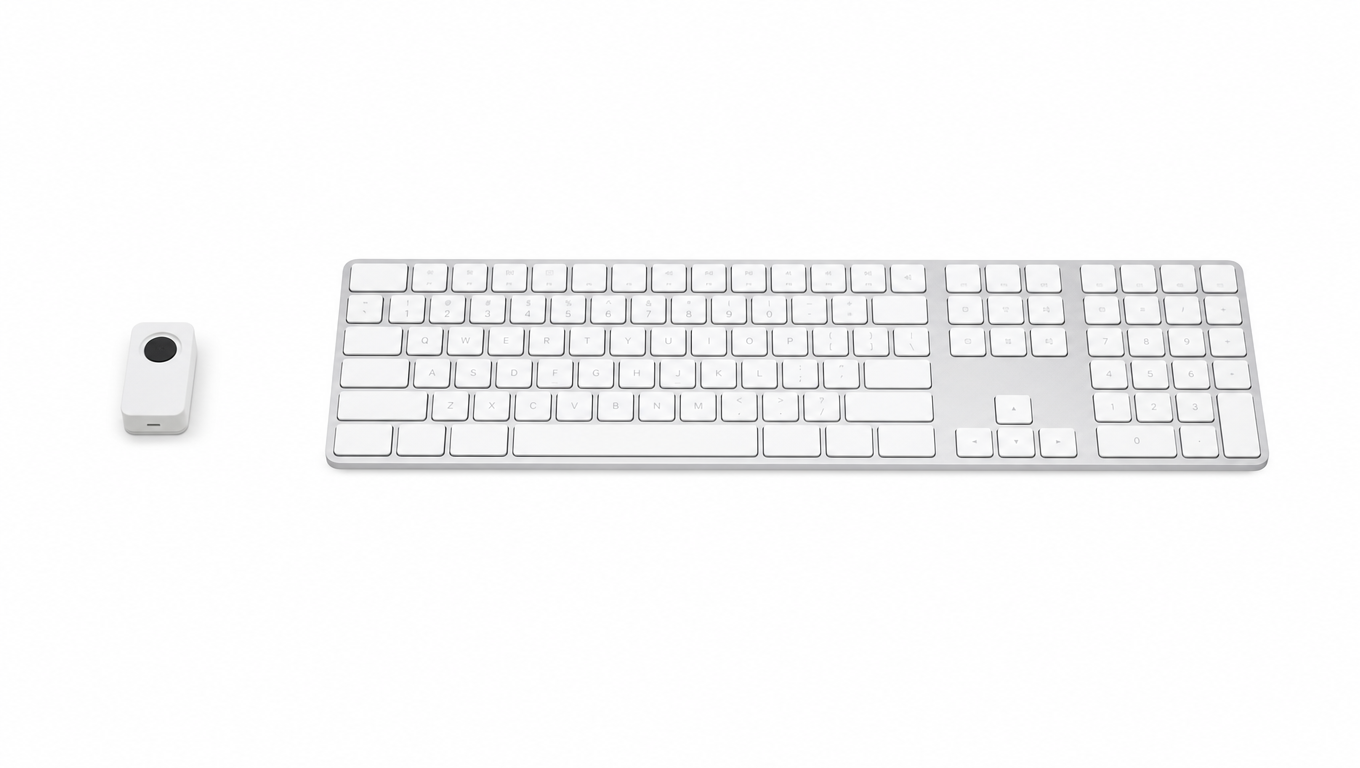
Magic Keyboard costs $199
Apple's only fingerprint option forces you to buy a full keyboard — even if you love your current one. And it only works on macOS. TouchPass is $69 and works with any keyboard.
Compare
Better in every way.
65% less expensive.
| Feature |
 TouchPass
$69
TouchPass
$69
|
Magic Keyboard $199 |
|---|---|---|
| Standalone (no keyboard needed) | ✓ | ✗ |
| Works with any keyboard | ✓ | ✗ |
| Mac screen unlock | ✓ | ✓ |
| sudo / admin approval | ✓ | ✓ macOS only |
| Password auto-fill (HID) | ✓ | ✗ |
| Custom shortcuts per finger | ✓ | ✗ |
| Multi-Mac pairing (up to 8) | ✓ | ✗ |
| AI agent approval gate | ✓ | ✗ |
| Open source | ✓ | ✗ |
| Price | $69 | $199 |
Use Cases
Built for how you actually work.
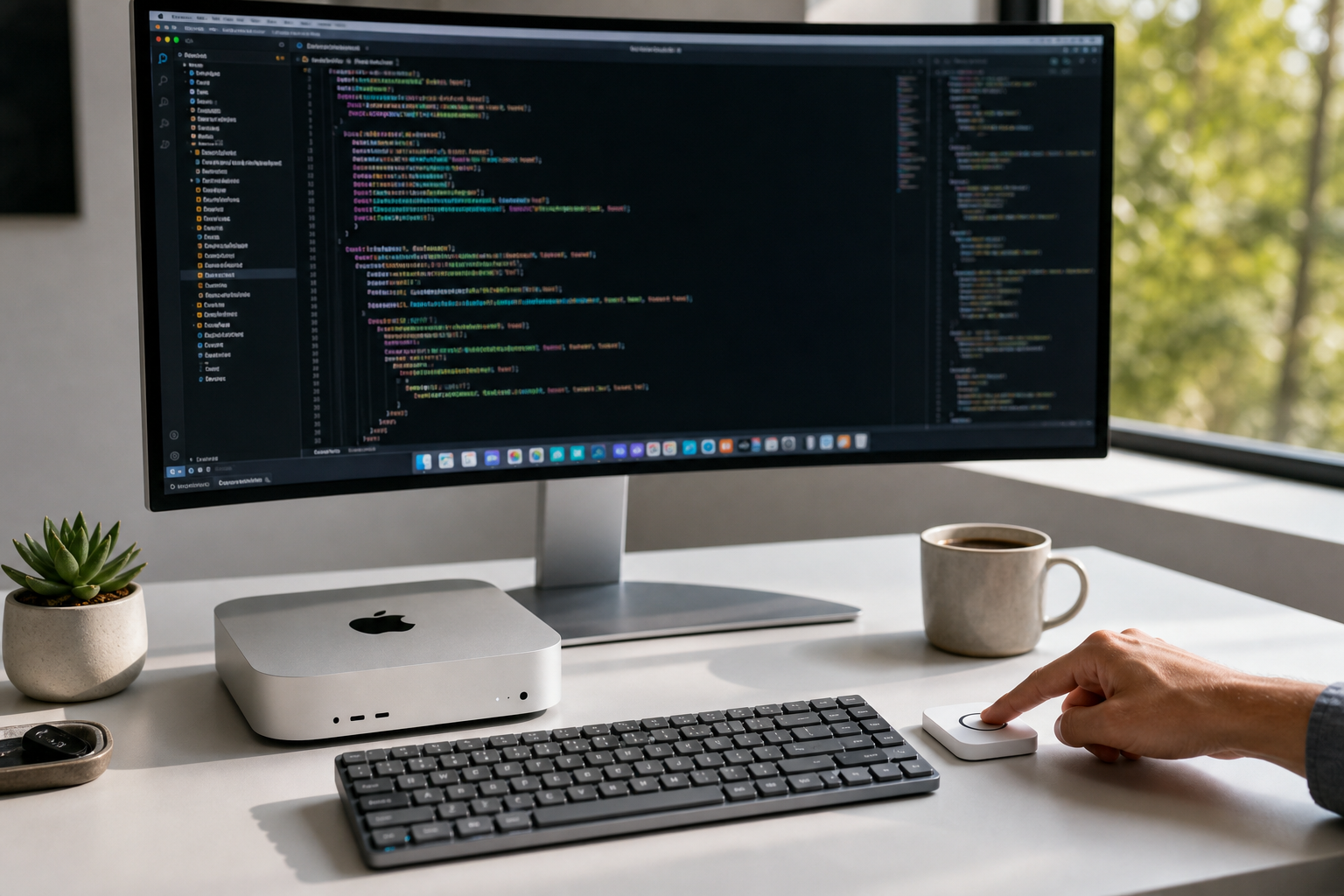
Mac mini / Mac Studio developer
Unlock, sudo, git push — all from one finger. No need to buy a $199 keyboard just for Touch ID.
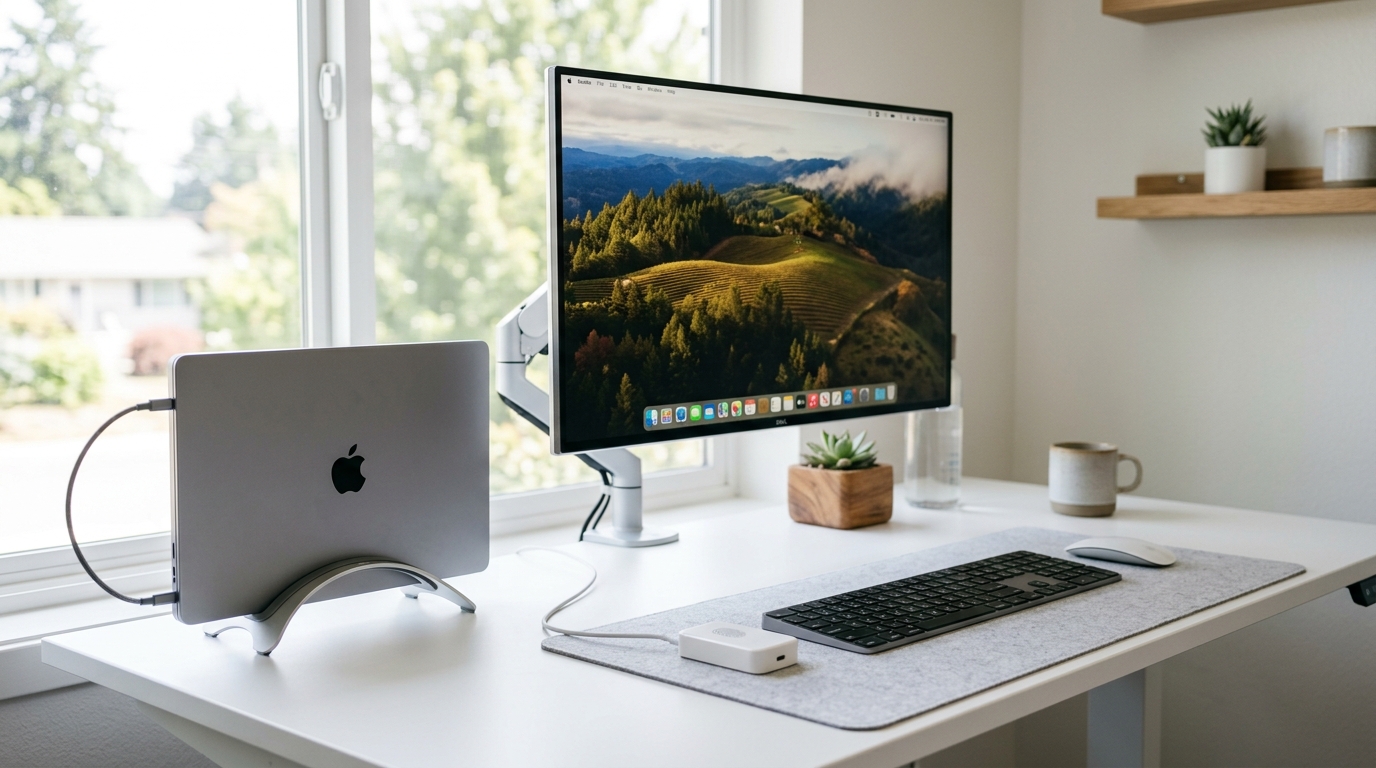
MacBook in clamshell mode
Lid closed, external display connected. Touch ID is unreachable. TouchPass sits right next to your keyboard.
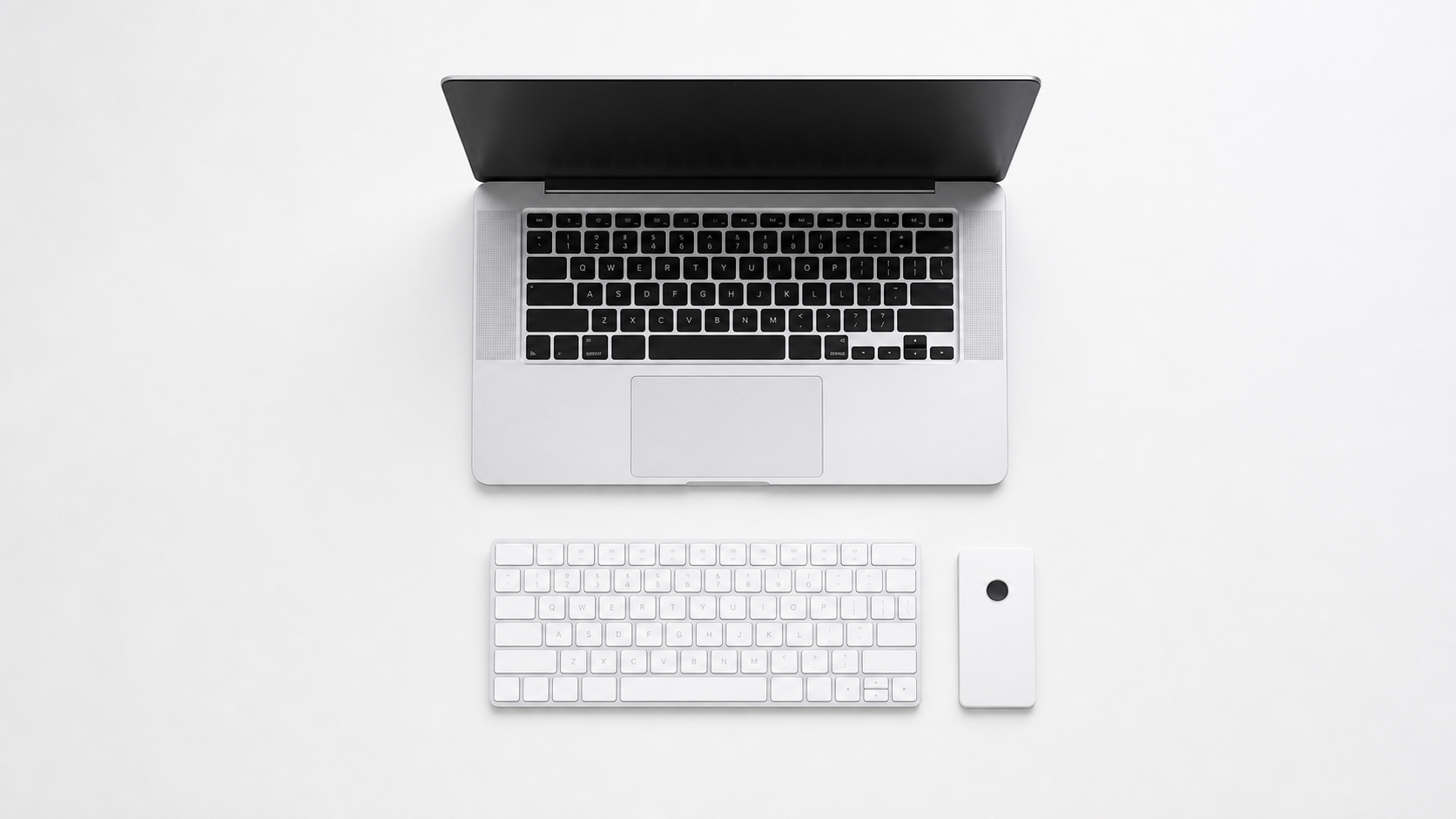
Keyboard enthusiast
You love your mechanical keyboard. You shouldn't have to give it up for fingerprint access. TouchPass works with any keyboard.
Security-first workflow
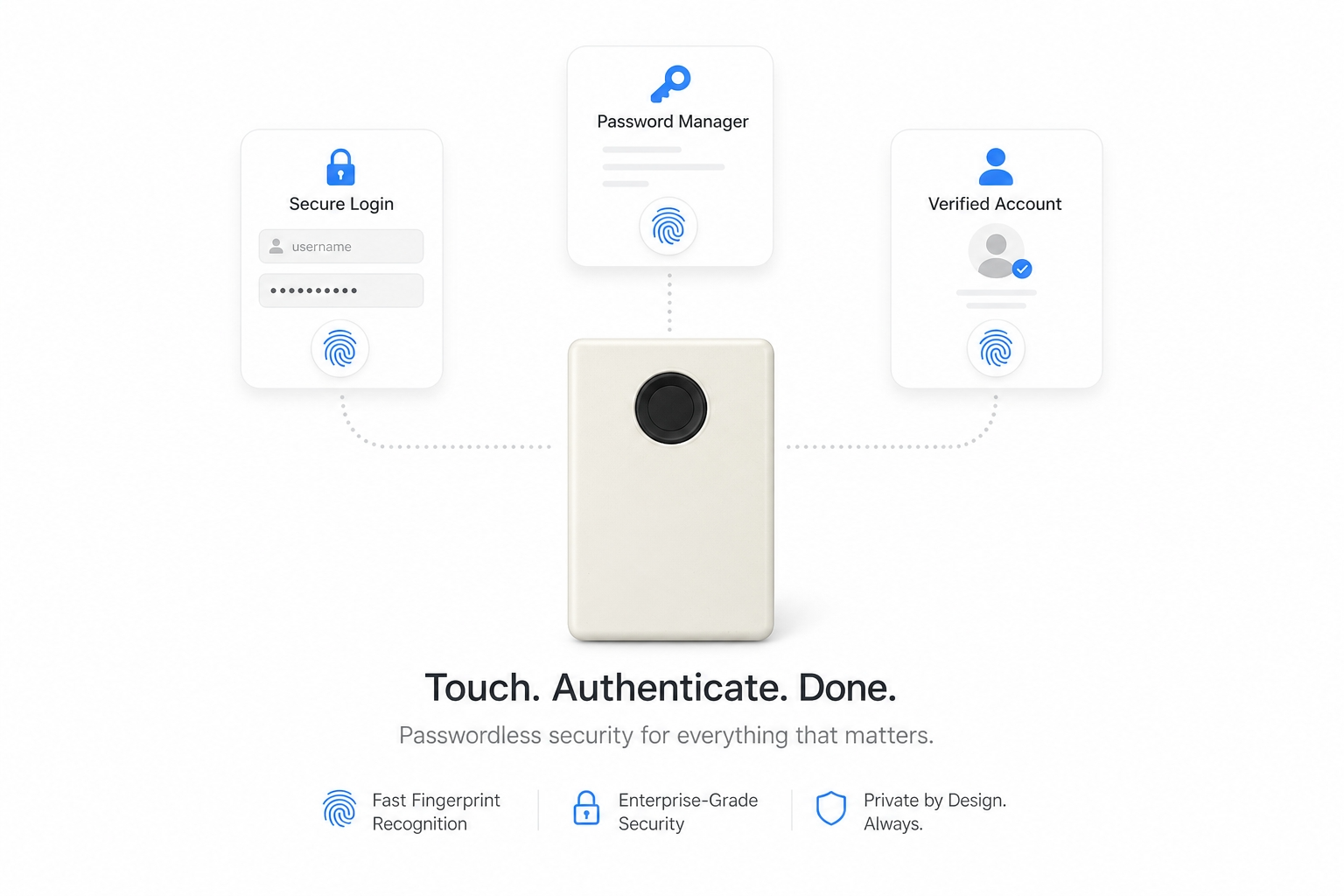
10 fingers. 10 different encrypted actions. Passwords never touch disk. On-chip biometrics. Zero cloud. Military-grade AES-256.
Capabilities
Everything you need.
Nothing you don't.
Four distinct modes. Ten finger slots. One USB device — faster than any keyboard shortcut.
Unlock this Mac
PIV smart card identity generated on-chip. Fingerprint unlocks the screen and approves sudo — even when the app isn't running.
Auto-fill Password
AES-256-CTR encrypted. HMAC-SHA256 verified. Password decrypted in memory, typed as HID keystrokes — never stored on device.
Shortcuts & Snippets
Bind any keystroke, text snippet, or terminal command to a finger. git push, ⌘V, or a full deploy script — one touch fires it.
Multi-Mac Pairing
Up to 8 paired hosts stored on-device. Plug into any paired Mac — auto-detects and decrypts seamlessly.
Safe OTA Updates
Dual-partition firmware with automatic rollback. SHA-256 verified. Brick-proof by design.
AI Agent Gatekeeper
When an AI coding agent wants sudo, git push, or your API keys — your fingerprint becomes the human-in-the-loop. One touch to approve.
$ touchpass approve -- git push origin main
→ waiting for fingerprint…
✓ approved · push proceeding
The Touch
Your fingerprint.
Your identity.
On the chip.
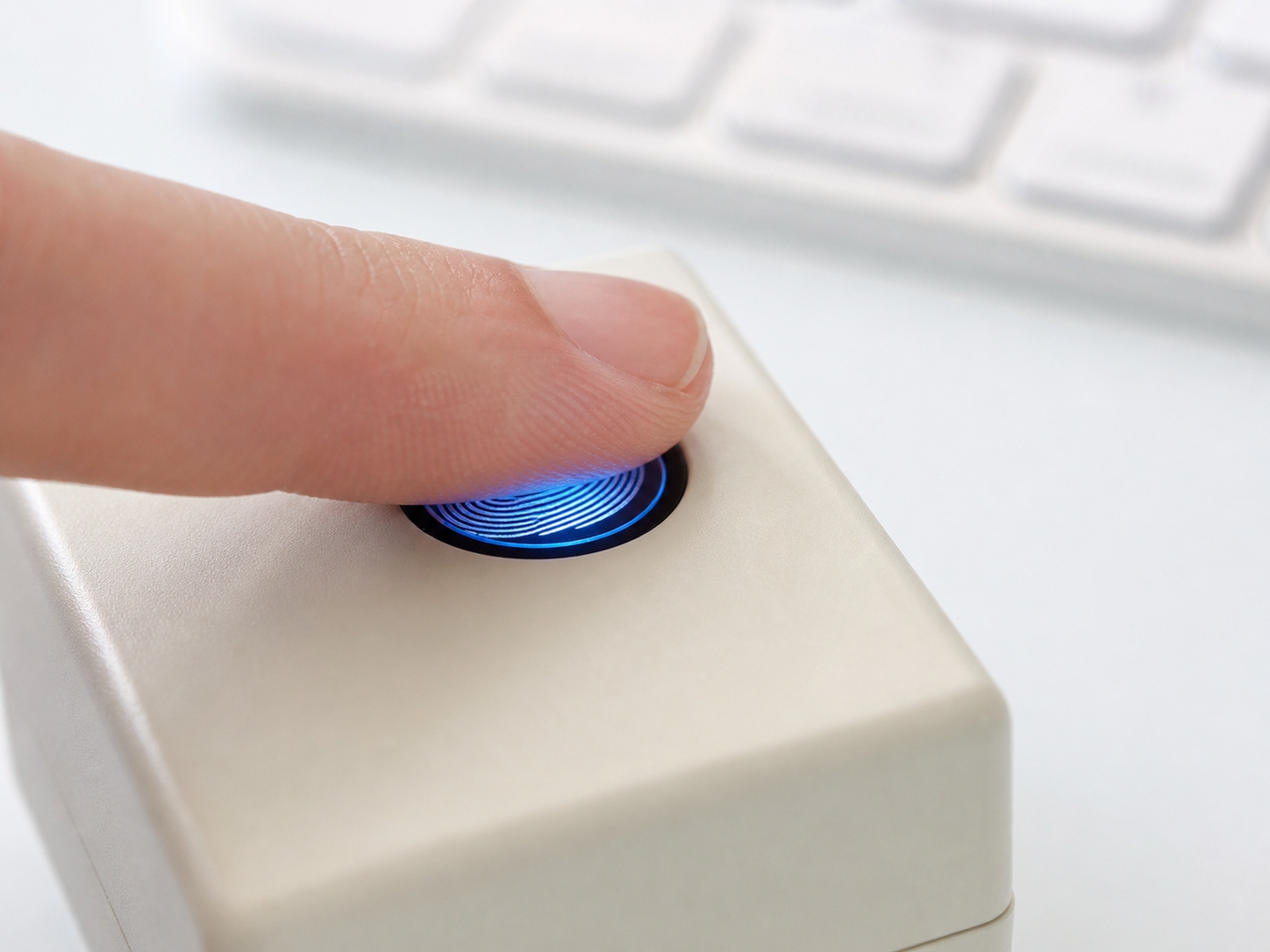
The ZW101 optical sensor matches fingerprints directly on-chip. Templates never leave the device. What crosses USB is an HMAC-signed "match succeeded" event — never your biometric data.
- Match-on-Device — fingerprints stay in hardware
- 10 finger slots — assign different roles to each
- HMAC-SHA256 event authentication per touch
Privacy
Security by design.
Privacy by default.
No Cloud. No Account.
Everything runs locally over USB. No internet required. No telemetry. Nothing phones home.
On-Chip Biometrics
Fingerprint templates stored and matched on the ZW101 sensor. They never reach your Mac, never cross USB, never touch disk.
Military-Grade Encryption
AES-256-CTR + HMAC-SHA256 session keys. Passwords decrypted in volatile memory — never written to flash.
Open Source (MIT)
Read every line. Build from source. Flash your own firmware. Audit the crypto protocol. Trust is earned, not assumed.
Native App
Designed for macOS.
Built in Swift.
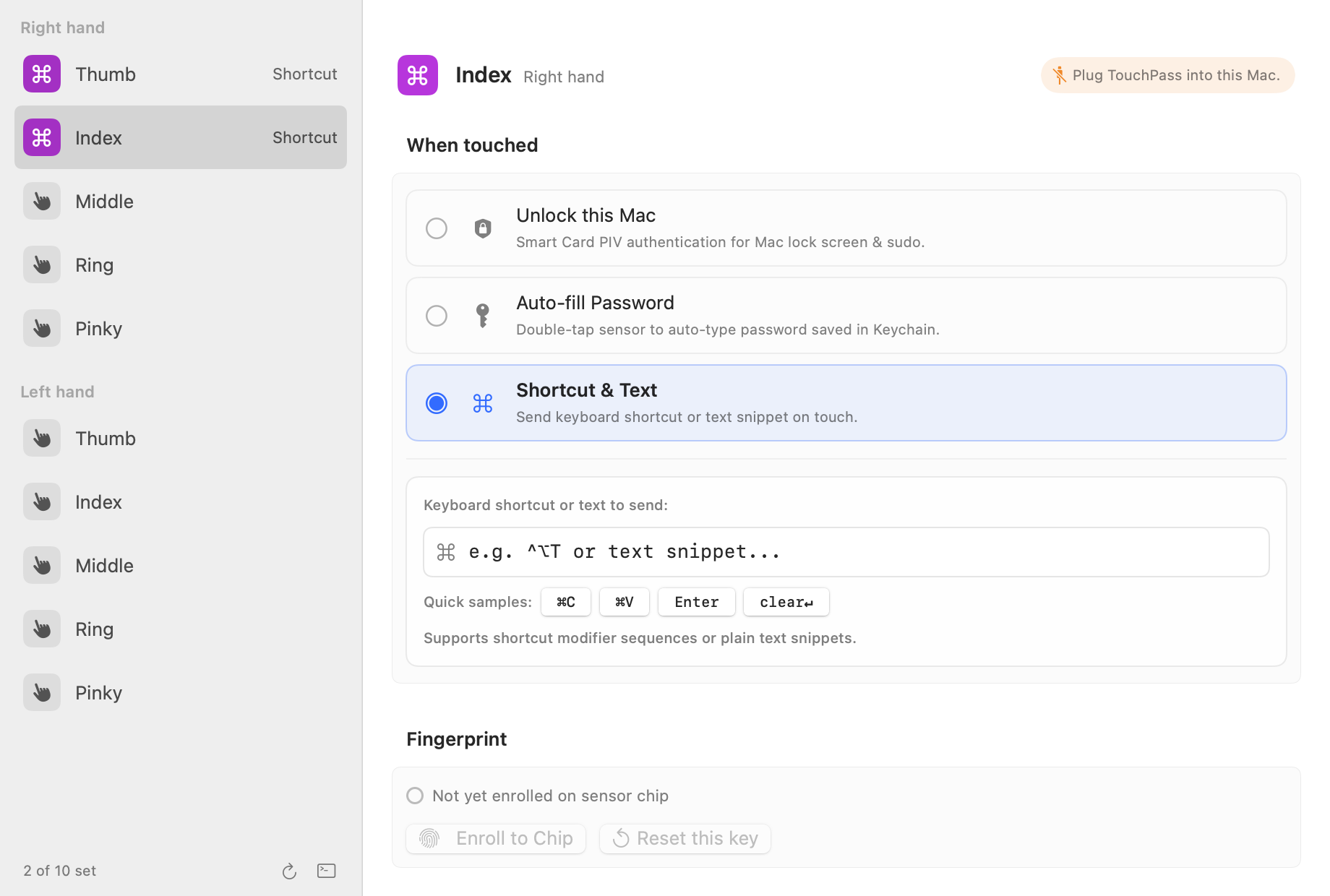
A native SwiftUI app with Apple Settings design language. Color-coded sidebar badges, real-time hardware diagnostics, and one-click finger enrollment.
Stop typing passwords.
Start touching.
TouchPass is open source and ready to build. $69 for the device — free app forever. No subscription, no cloud, no account.
MIT License · No subscription · No cloud · Free app forever